Introduction
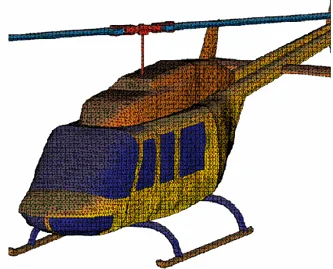
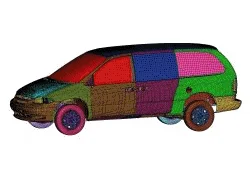
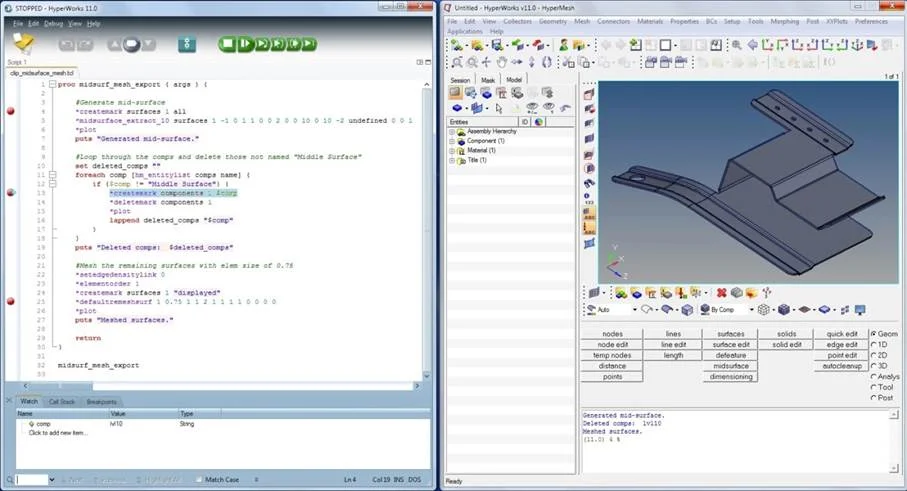
Altair HyperMesh is a versatile and highly compatible CAE finite element pre-processing software. Its intuitive user interface enables engineers to learn and use it quickly, while its diverse geometry cleanup functions combined with advanced mesh optimization tools can generate high-quality finite element meshes for complex geometries, thereby improving analysis accuracy and computational efficiency. At the same time, it supports most mainstream CAD and CAE file formats and provides a powerful secondary development environment, allowing customization and extension of functions to meet various engineering requirements.
↘ More HyperMesh Case Studies
↘ Further Reading: Highlights Comparison of Professional CAE Pre-Processors
Feature List
HyperMesh is the preferred engineering analysis environment for users and includes numerous functions:
Product Advantages
An Enterprise-Level Solution for Powerful Finite Element Analysis Modeling
Open Architecture
HyperMesh provides users with a powerful and universal enterprise-level CAE finite element analysis modeling platform that seamlessly integrates with any simulation environment. It offers a rich set of direct CAD / CAE interfaces and a secondary development environment.
High-Speed, High-Quality Meshing Technology – Quality and Efficiency Oriented
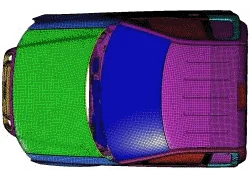
It streamlines the modeling process, relying on comprehensive automatic and semi-automatic meshing capabilities for beam, shell, tetra, and hexa elements, and provides a series of modeling tools for the most complex geometries, significantly reducing the workload of CAE finite element model pre-processing.
Batch Meshing (Batch Mesher)
Batch meshing technology eliminates the need for users to perform conventional manual geometry cleanup and meshing tasks, thereby accelerating model processing.
Automated Assembly to Enhance User Efficiency
Provides highly automated model management capabilities, including rapid model assembly and connection management for bolts, spot welds, adhesives, and seam welding.
Integrated CAE Environment
With its extensive CAD / CAE interface capabilities and programmable, open-architecture graphical user automation interface, HyperMesh can be seamlessly integrated with other engineering software to provide pre- and post-processing in any workflow.
Advanced 3D Modeling Visualization
3D visualization of all element types (1D, 2D, 3D) in CAE finite element models makes model checking and visualization easier.
Improved Modeling Efficiency for Users
By leveraging refined batch meshing technology, users can avoid manual geometry cleanup and meshing, greatly accelerating the model development process.
Composite Material Modeling
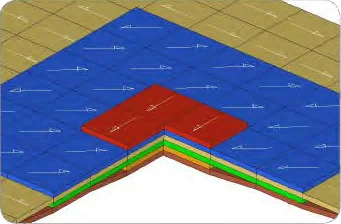
The Ply and Laminate tools make composite modeling easier, for example in defining the shape of each layer and stacking sequence between layers. Composite data can be extracted directly from CATIA CPD and Fibersim and automatically mapped onto the CAE finite element mesh. Plies and ply angles can be viewed in 3D to more easily validate the model.
Advanced Mesh Morphing Technology
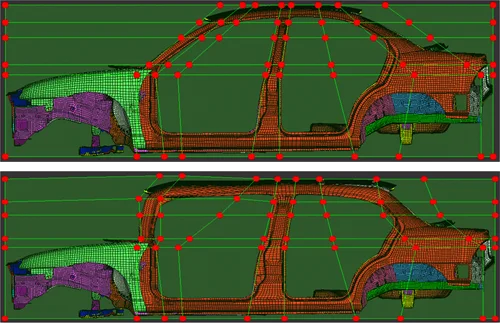
Provides the most powerful mesh morphing tools for various industries, allowing users to modify existing meshes to adapt to new designs and reduce model development costs.
Reverse Interface from CAE to CAD
HyperMesh provides users with the ability to reconstruct geometry from CAE finite element models.
HyperMesh ShapeAI can intelligently use AI technology to handle the following problems:
Models with a large number of repetitive components:
Manually meshing each component is extremely time-consuming. With ShapeAI, you can automatically match and associate components with identical shapes. You only need to mesh one of the components, and all associated components will be updated simultaneously, instantly completing the mesh for all other components.
Models containing multiple types of components:
For example: sheet metal parts, solid parts, and secondary components (that do not require meshing). Using ShapeAI, you can train AI models to recognize different types of geometries and automatically classify them, quickly assisting users in model management.
Product Features
Best-in-Class Meshing Capability Among Similar Products
HyperMesh provides users with a complete set of powerful yet easy-to-use tools to help build and edit CAE models. During the creation of 2D and 3D CAE models, users can leverage a wide range of mesh generation capabilities or use the powerful automatic meshing tools in Altair HyperMesh to automatically build high-quality analysis models.
Excellent User Interface
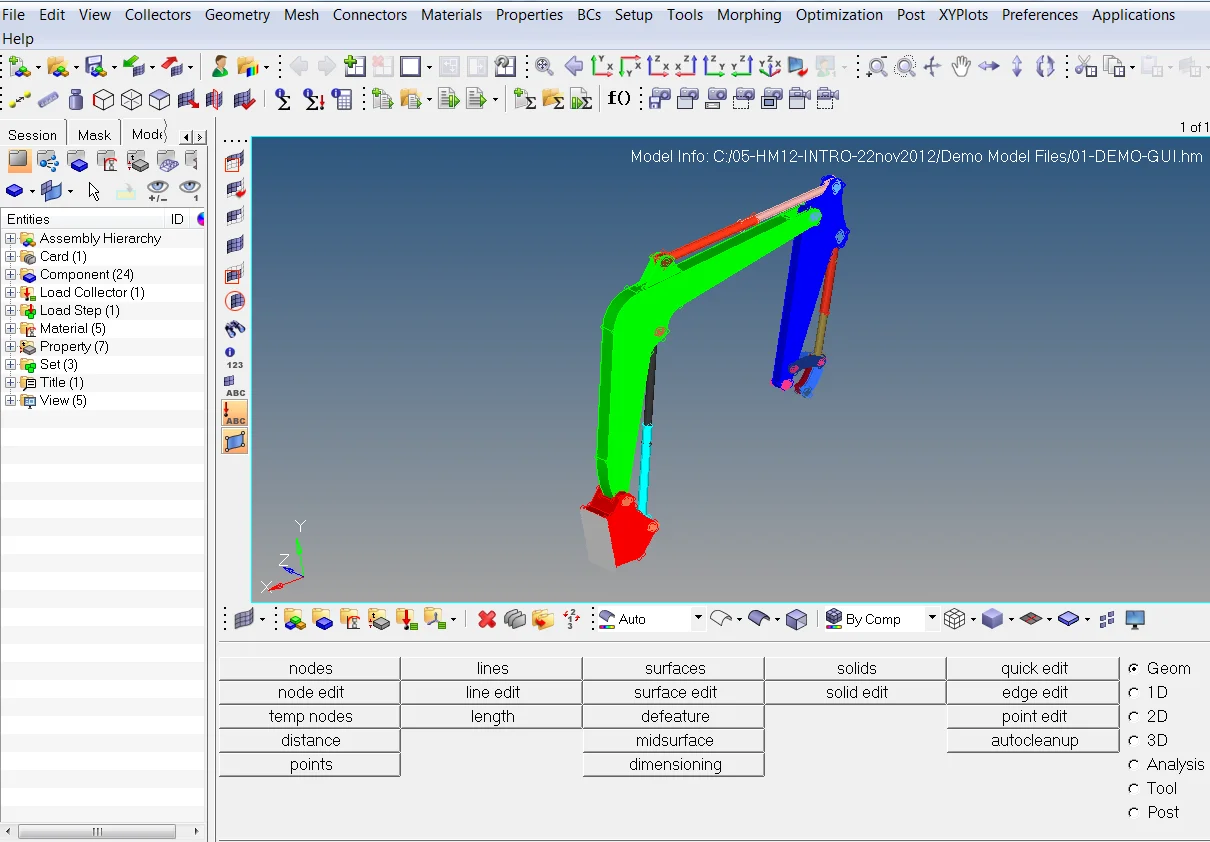
The outstanding graphical interface and model visualization in HyperMesh make it easy to define the rotation center, rotate or move the model to understand the geometry, zoom to observe details, shade to display the outer model surface, or use a wireframe view to inspect the interior. What sets it apart is the panel-based design, grouping functions into seven pages: Geometry, 1D, 2D, 3D, Analysis, Tools, and Post-processing, enabling users to execute each command accurately and efficiently.
Geometry Cleanup Functions
- In general, geometry defects caused by data conversion and other reasons can be fixed through HyperMesh geometry cleanup.
- Create and modify geometry curves: merge, split, smooth, extend… etc.
- Multiple flexible surface-creation methods: extrude, revolve, spline, sweep, offset... etc.
- For imported geometry surfaces, you can remove chamfers, holes, fillets, automatically stitch free edges, and add washers at bolt holes... etc.
- Based on geometry topology, you can modify free edges, shared edges, suppressed edges, non-coincident edges... etc.
- Automatically check and delete duplicate surfaces... etc.
- Surface editing: surface trimming, reconstruct topology based on modeling requirements.
- Users can define their own geometry cleanup standards and perform automatic geometry cleanup accordingly.
Mid-Surface Extraction
HyperMesh can extract mid-surfaces from complex solid geometries while retaining the thickness properties of each original geometry point. This greatly simplifies shell meshing based on CAD geometry. At the same time, HyperMesh provides geometry modification and editing capabilities on the extracted mid-surfaces.
Convert CAE Finite Element Models to Geometry
That is, convert an FE model into a CAD model. This allows CAE engineers to modify models directly based on their simulation results, greatly reducing the previous need for design engineers to make modifications and significantly improving work efficiency.
High-Quality Mesh Generation Capability
- Surface meshing
- Hexahedral meshing
- Tetrahedral meshing
- CFD meshing
Element Editing Functions
HyperMesh allows users to manually create, split, and merge elements, as well as translate, rotate, and extrude models. When combined with element quality checks, the quality parameters can be displayed while adjusting the elements, helping ensure the quality of existing elements. With Quality Index Meshing, users can define element quality standards based on different analysis requirements. By simply clicking on elements or nodes that do not meet the criteria, node positions can be automatically adjusted to optimize quality—something other CAE software often cannot provide.
Batch Meshing (Batch Meshing)
Batch Mesher is currently the fastest automated meshing tool for generating high-quality meshes on large assembly models. Thanks to its powerful automation, Batch Mesher minimizes manual meshing tasks, saving users time and allowing them to focus more on value-added engineering simulations. Batch Mesher can perform meshing and geometry cleanup based on user-defined standards and output CAE finite element models in user-specified formats.
CAE Solver Interfaces
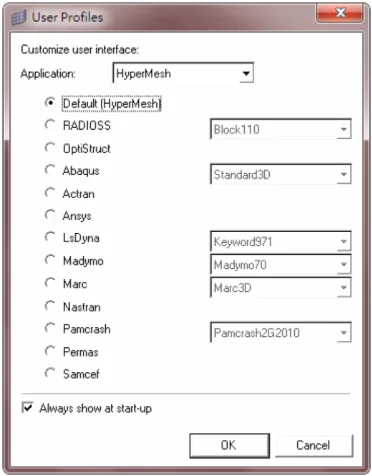
HyperMesh supports import and export of most mainstream CAE solver file formats. For fully supported CAE solvers, HyperMesh provides a complete environment (User Profile), allowing users to complete pre-processing work using solver-specific templates. In addition, HyperMesh offers a highly flexible interface, enabling the use of interface development languages to support other solver types.
CAD Interfaces
HyperMesh allows users to directly read CAD model files from mainstream industry systems and build CAE finite element analysis models. On this basis, HyperMesh’s powerful geometry cleanup tools enable users to easily fix various geometry errors introduced during model import, ensuring high-quality analysis models during meshing.
Through operations such as removing misalignments and small holes and suppressing shared edges on model surfaces, users can perform meshing on larger and more reasonable regions, improving overall meshing speed and quality. In addition, loads and boundary conditions applied to the imported geometry model can be mapped to the finite element model, further facilitating the conversion from geometry to analysis models.
|
ACIS
|
PRO-ENGINEER
|
STEP
|
|
CATIA V4/V5
|
SOLIDWORKS
|
ACIS
|
|
DXF
|
PARASOLID
|
STL
|
|
IGES
|
UNIGRAPHICS
|
JT Precise
|
Surface Meshing
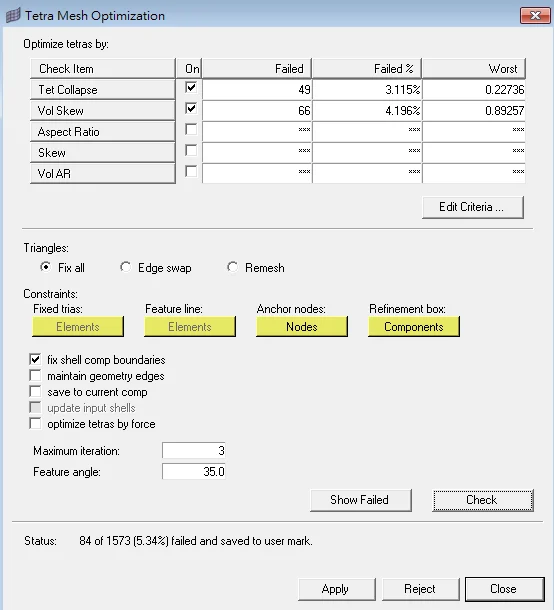
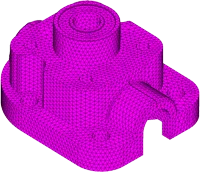
In HyperMesh, the surface meshing module provides a powerful engine that gives users unparalleled flexibility and functionality. This includes interactively adapting to a wide variety of mesh parameters, optimizing meshes based on user-defined quality criteria, and leveraging a wide range of advanced techniques for mesh generation.
Solid Meshing
Using solid geometry, HyperMesh can connect, separate, and slice solid models to generate tetrahedral and hexahedral meshes via standard and advanced procedures. Combined with HyperMesh’s powerful solid visualization features, users spend less time on modeling and can quickly and conveniently cut models. The solid meshing module can generate high-quality meshes for multiple solid bodies.
Mesh Morphing Functions
HyperMorph, integrated within the powerful HyperMesh environment, provides users with an interactive and parametric solution for modifying the shape of CAE finite element models. Its unique mesh morphing algorithm allows users to quickly change the shape of existing CAE meshes or adjust node or element positions without sacrificing mesh quality. During the morphing process, HyperMorph also allows parameter-based deformation of finite element models according to user definitions, which is very convenient for establishing shape variables in subsequent optimization studies.
Personalized Custom Work Environment
-
Customizable user interface: the simple and easy-to-use interface helps users customize the position of drag-and-drop toolbars, configure pull-down menus, and assign keyboard shortcuts.
-
Custom toolbars: users can add custom function applications to panels.
-
Custom CAE solver input translators: based on the solver types already supported by HyperMesh, users can use secondary development to extend input interface capabilities, import different analysis data, and expand HyperMesh interface support so that more CAE solver types and file formats are supported.
-
CAE solver output templates: output templates allow the HyperMesh database to be exported according to user-defined solver output formats.
HyperMesh Free Course Resources
HyperMesh, with its efficient mesh generation and optimization capabilities, is highly favored by engineers. Now, we are launching the “HyperMesh Free Course Resources,” designed specifically for professionals who cannot attend in-person training. These courses offer more flexible learning schedules, allowing you to master the powerful features of Altair HyperMesh anytime, anywhere.
Click now to start your learning journey.
Start Learning◆
Richin Technology is the “expert in CAE and AI data analysis,” and we have completed many successful case studies.
▶ Contact us now to get more information.
▶ Subscribe to the Richin YouTube channel and explore more about CAE and data analysis.