HyperMesh is the industry’s most popular pre-processing software. Since 2019, it has introduced a brand-new interface. Compared to the classic interface, it improves the way users operate. In addition to boosting modeling efficiency, the enhancement in feature visualization further lowers the learning barrier for beginners.
HyperMesh 2023 has completely removed the classic interface. This new interface not only improves overall efficiency and enhances the visualization of many functions, but also introduces AI data analytics capabilities. Below is a summary of the TOP 10 new highlights of HyperMesh 2023.
Further reading: 【YouTube】HyperMesh 2023 New Release & Hands-on Experience Course
HyperMesh 2023 Unboxing
Click the image to start playing the video
|
|
【 New Experience Course 】
!!!~ Register now to enjoy a free 2023 trial license ~!!!
TOP 1. Overall Efficiency Improvement
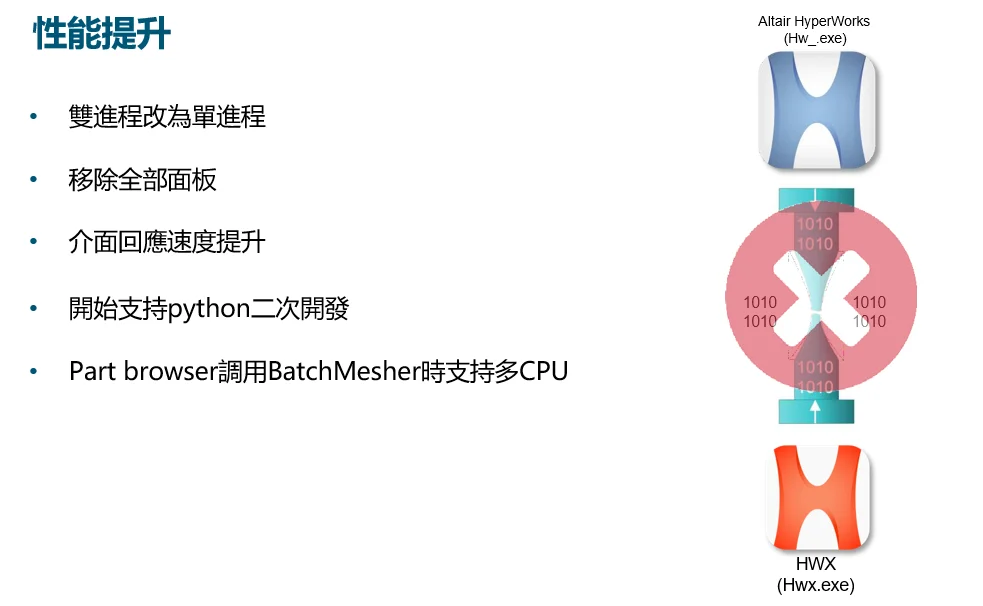
The communication mode of background commands during operations in the HyperMesh new interface has been improved compared with the previous versions, and users can clearly feel the overall performance improvement in the 2023 version.
TOP 2. Display and Process Models Simultaneously
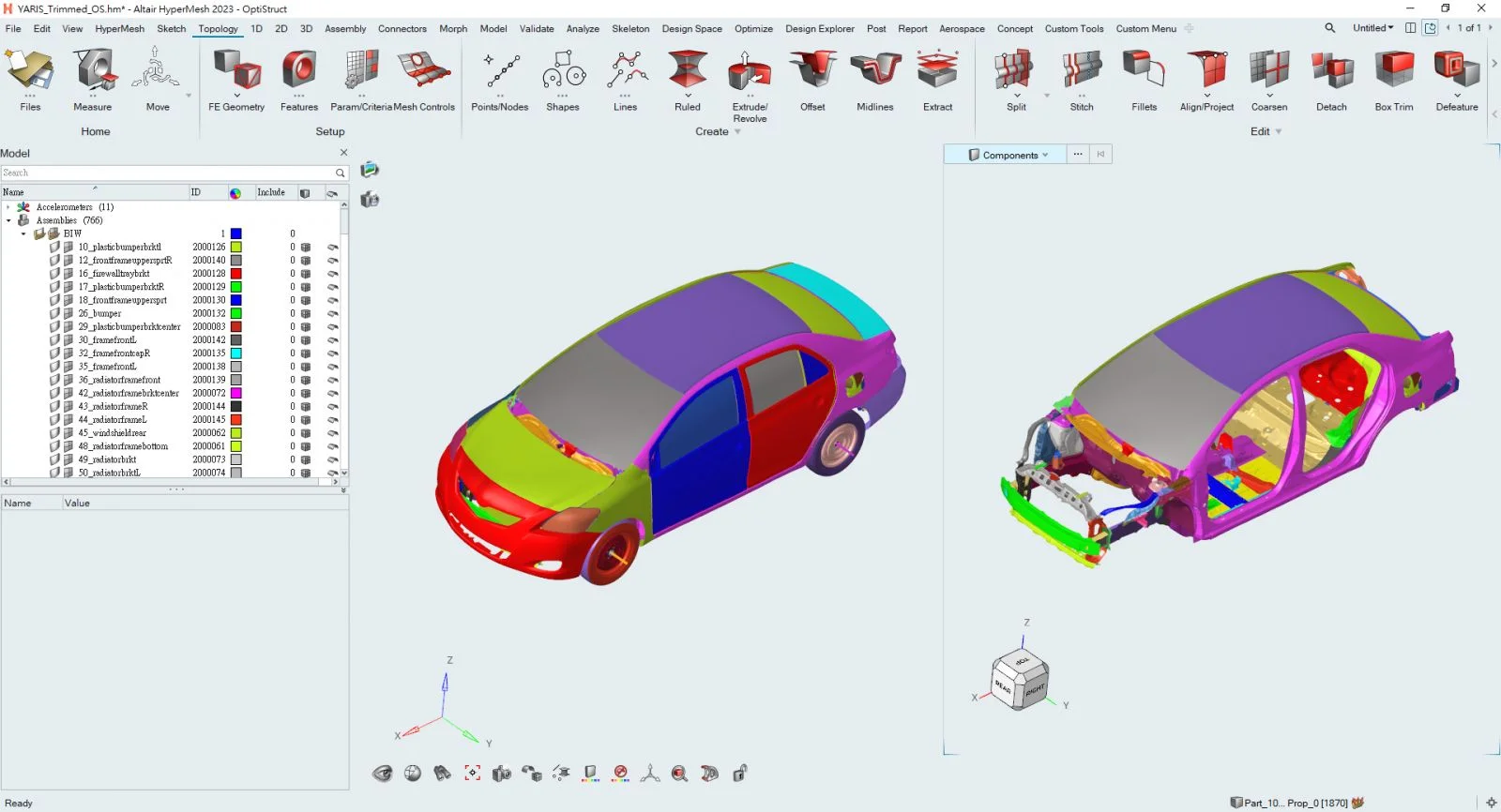
Multi-window display has long been available in the new interface, but previous versions could not display two model files at the same time. The 2023 version not only supports synchronized multi-window model display, but also allows interactive part editing operations (Ctrl+C and Ctrl+V) between models in different windows.
TOP 3. FE-Geometry
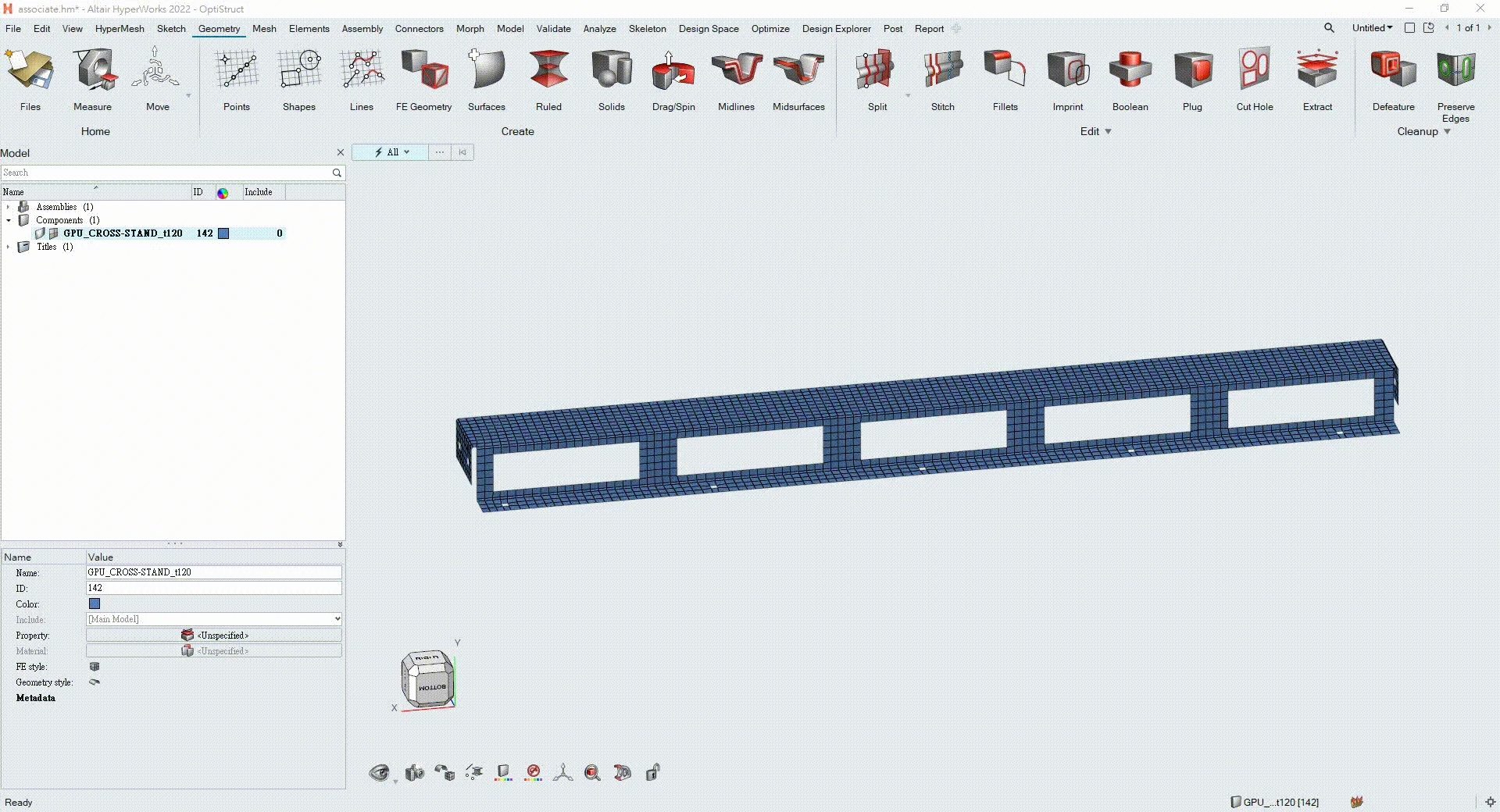
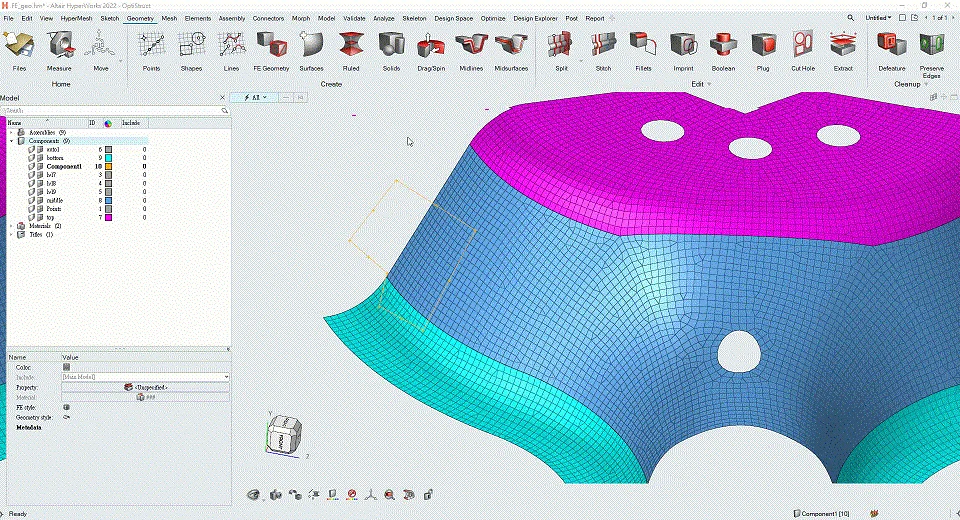
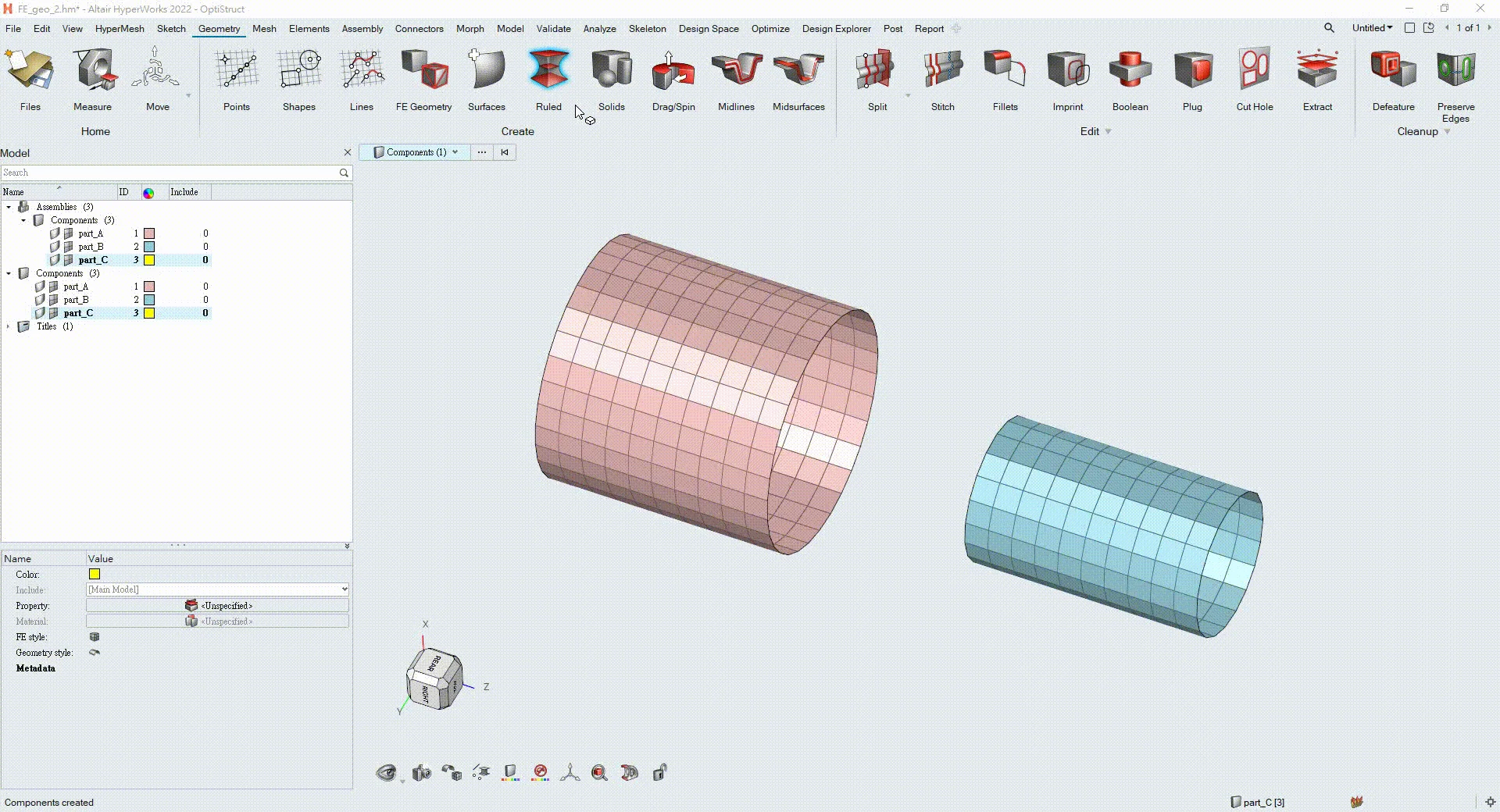
The concept of FE-Geometry was introduced in the 2022 version, enabling users to edit 2D meshes in a geometry-editing manner, changing the old concept of meshes and geometry being different objects. The 2023 version supports even more features: model editing is performed based on topology, rather than being limited to mesh-only or CAD-only functions.
TOP 4. Custom Hotkeys
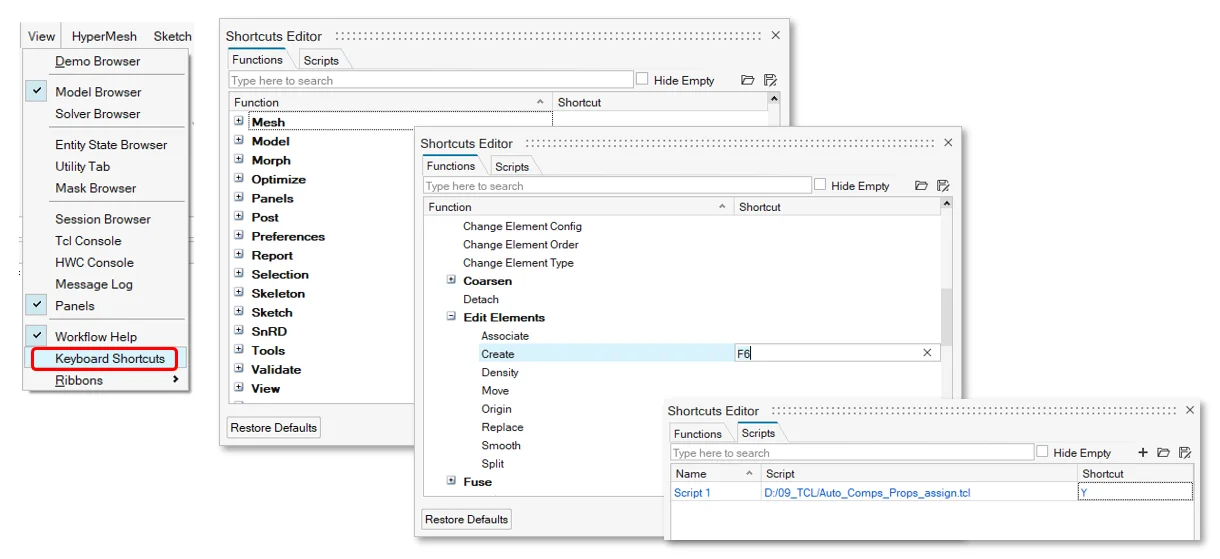
The 2023 new interface adds hotkey settings. In addition to the system’s default hotkeys, users can also define their own hotkeys as needed, further improving work efficiency.
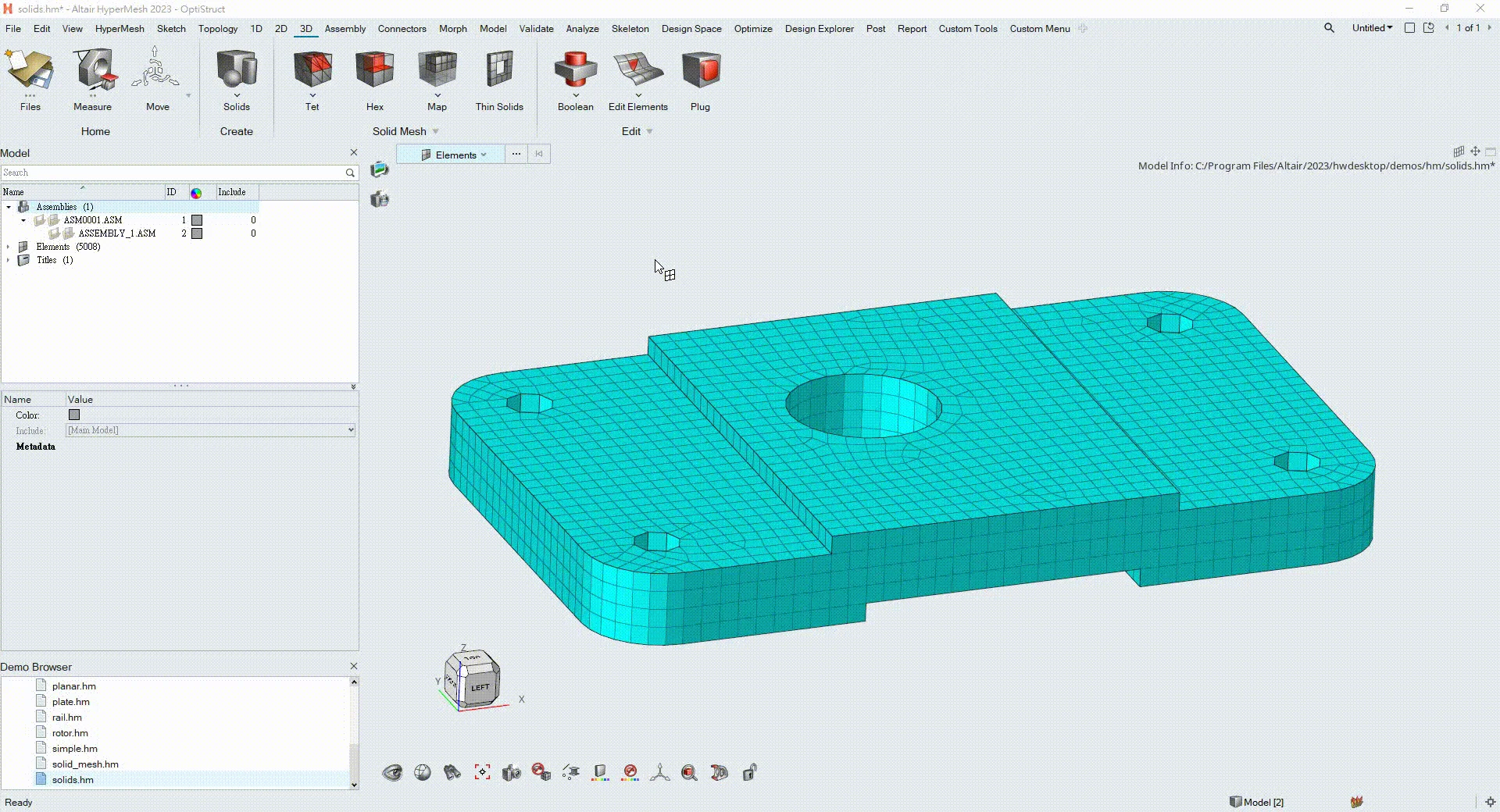
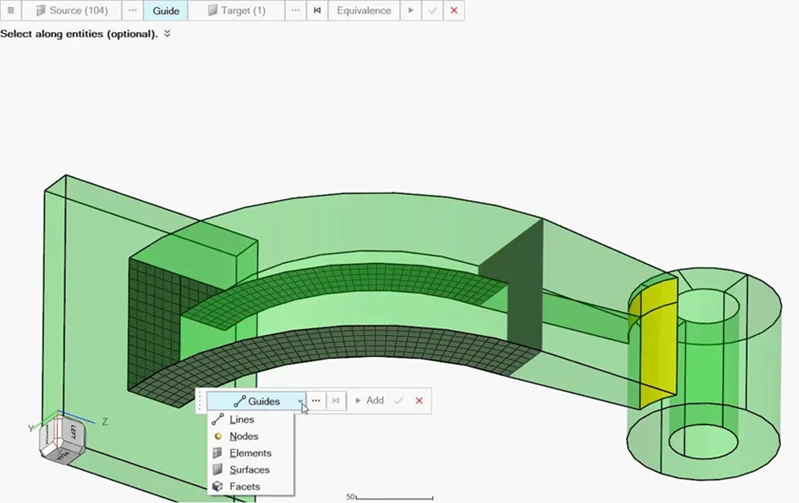
TOP 5. More Convenient Hex Mesh Operations
HyperMesh’s Hex Mesh functionality has always been very powerful. In the 2023 new interface, all Hex Mesh features are redesigned with fully interactive operations. With improved operational visualization, not only is it easier for beginners to learn, but general users can also model more intuitively.
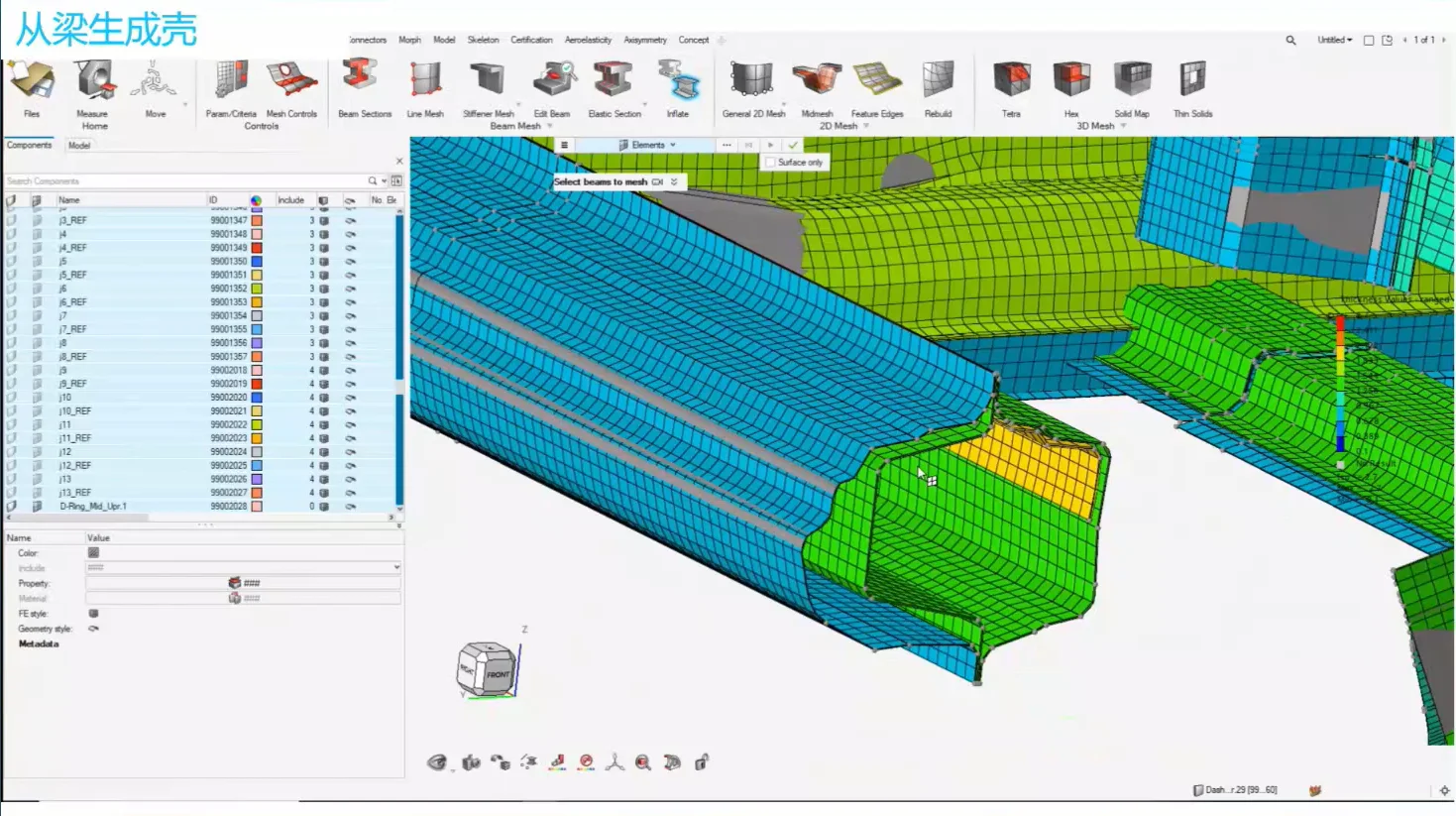
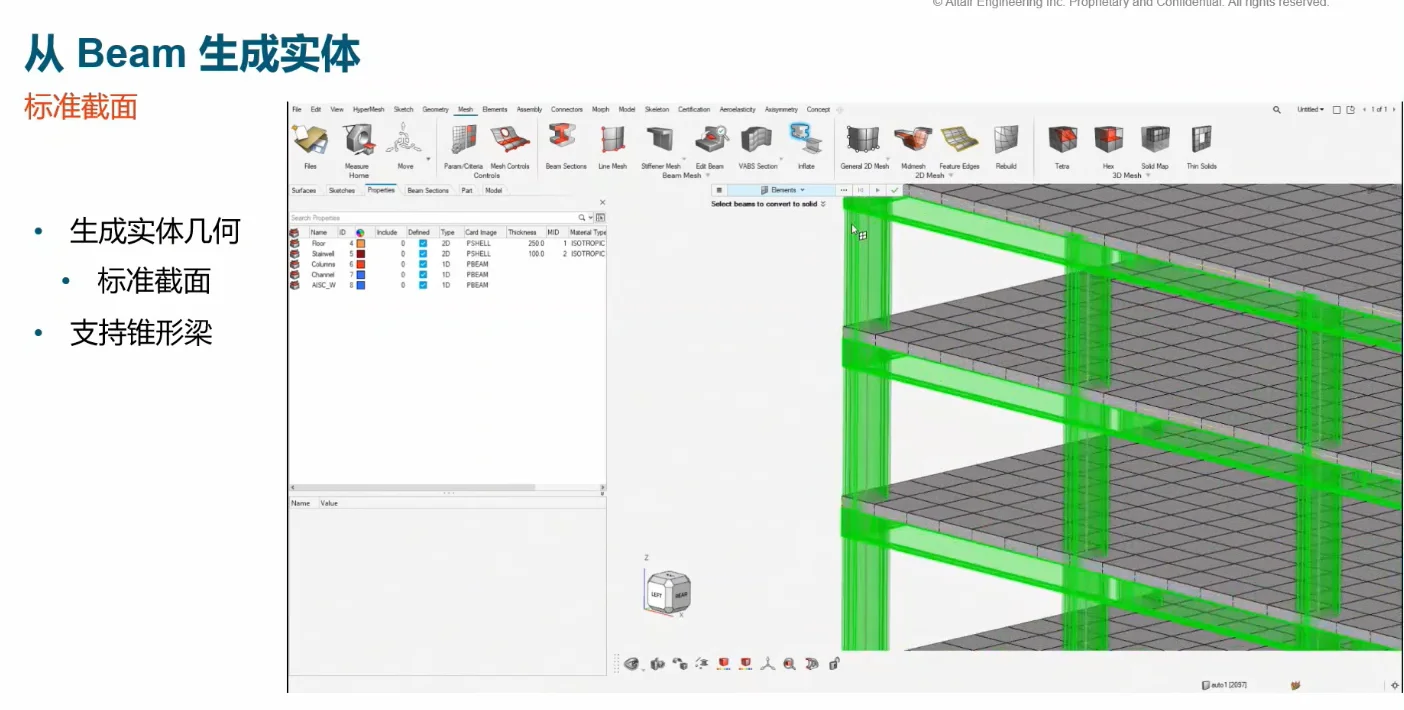
TOP 6. Quickly Generate 2D Shell Elements or 3D Solid Geometry from 1D Beam Elements
Supports generating 2D shell elements or 3D solid geometry directly from 1D beam elements. This feature is very helpful for certain analysis modeling domains, or for providing feedback to design teams.
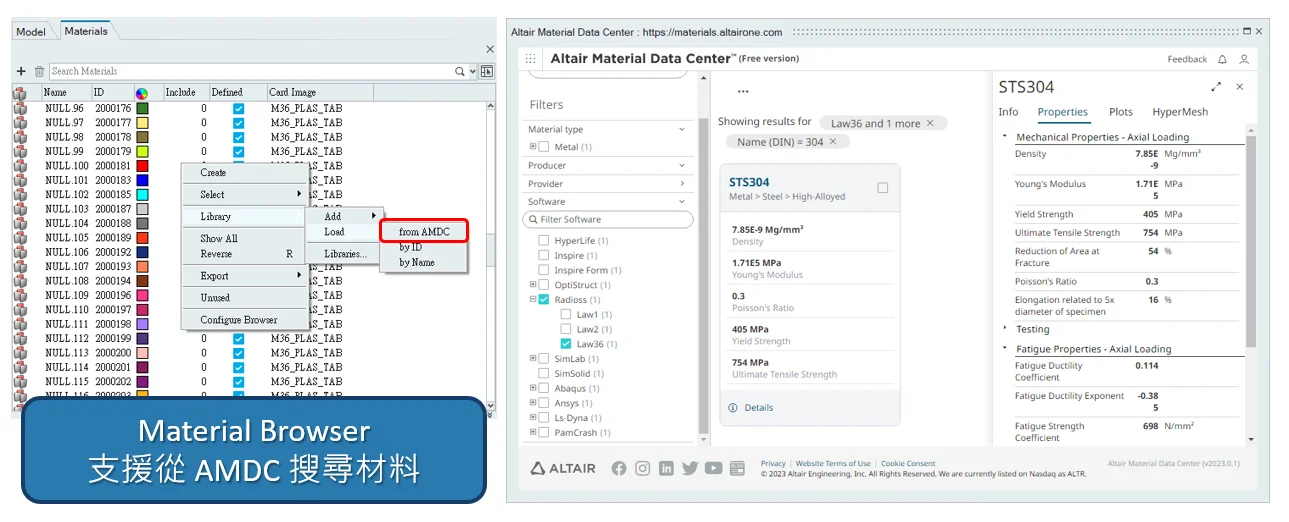
TOP 7. Support for Searching Materials from the AMDC Material Library
The Material Browser page now supports searching materials from the Altair Material Data Center materials database, giving users another channel for obtaining material parameters.
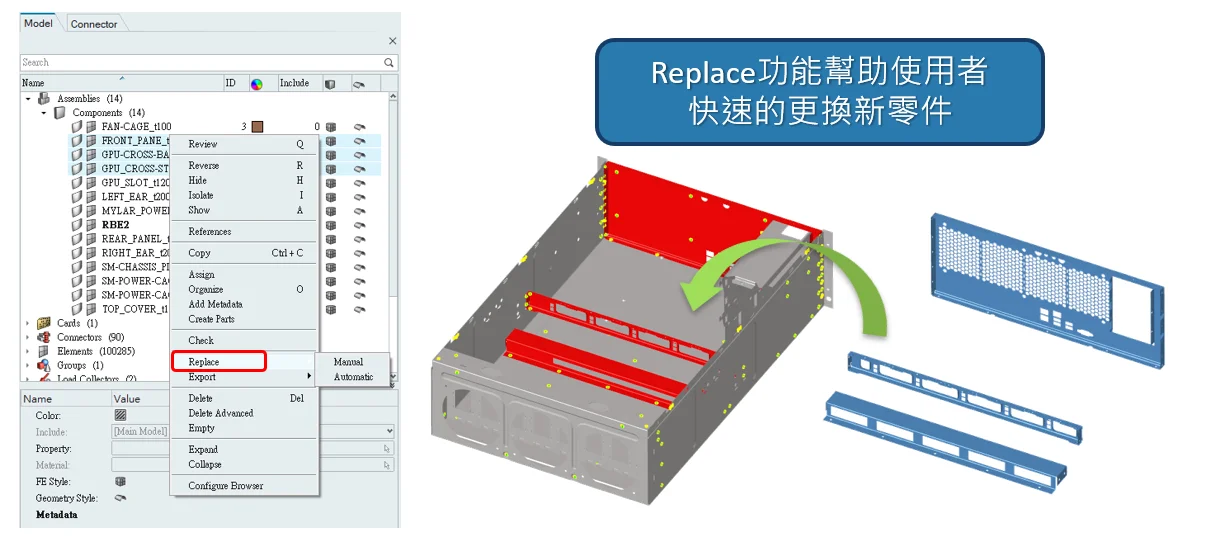
TOP 8. Fast Part Replacement
A new Replace function has been added to the Model Browser tree. Combined with Connectors settings, it allows users to save more manual operation time when replacing parts with new designs, improving modeling efficiency.
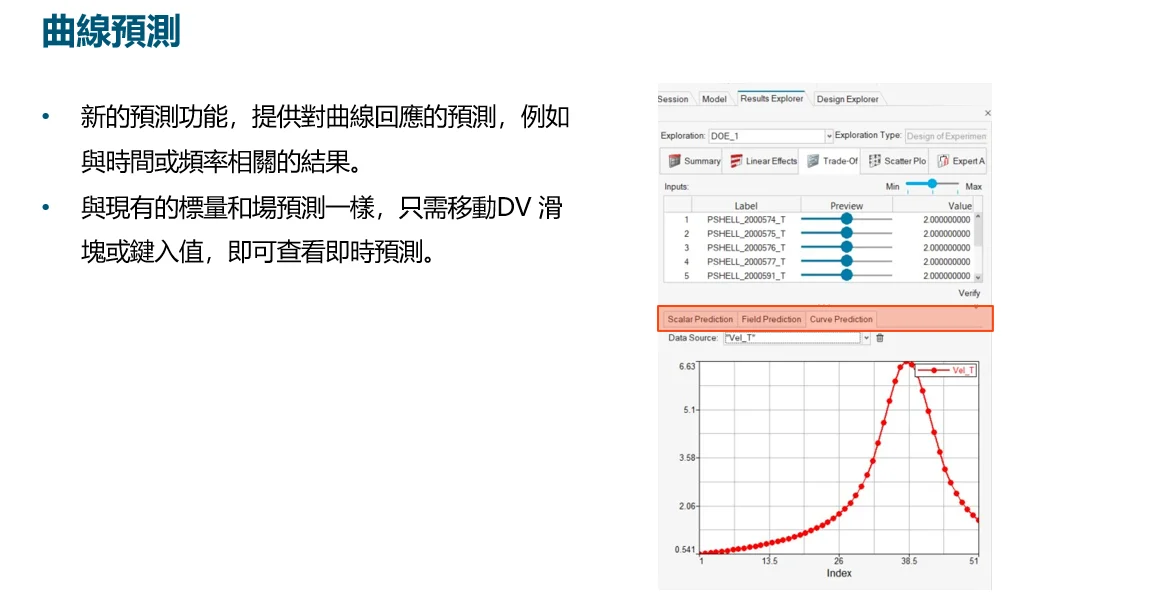
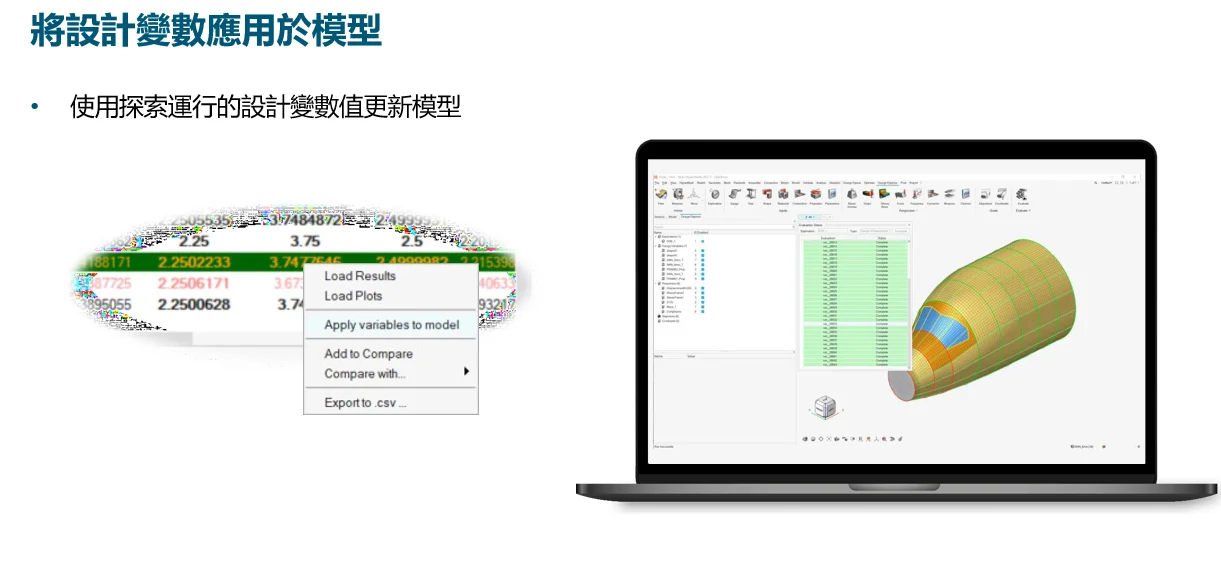
TOP 9. Design Explorer Enhancements
Design Explorer was introduced into the new interface in earlier versions, allowing users to set up HyperStudy models within the HyperMesh environment to run parametric studies or optimization analyses. In the 2023 version, this area has been further enhanced. A new prediction feature provides predictions for curve responses—such as results related to time or frequency. By simply moving the Design Variable slider or typing a value, users can view real-time predictions. It also supports directly importing design variable values from parametric studies into the model setup.
TOP 10. Physics AI
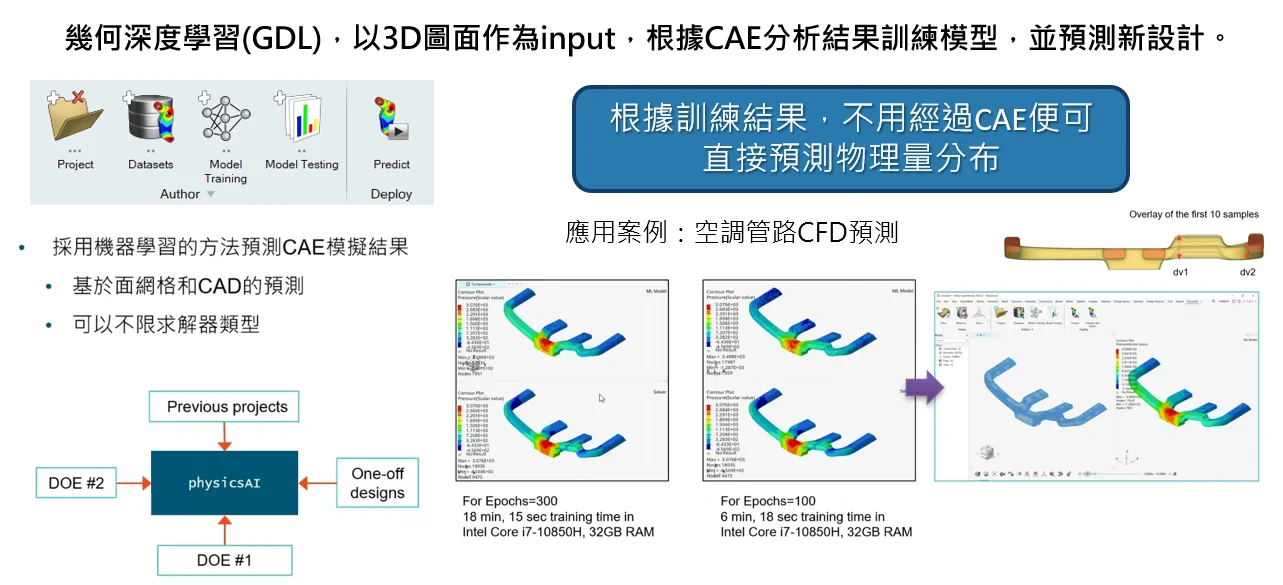
A new Physics AI setup workflow tool has been added, enabling users to use AI features directly within the HyperMesh environment. Users can train models based on CAE analysis results, and through geometric deep learning (GDL), use 3D geometry as input to predict various physical quantity distribution results for new designs.